Polypad cube mark
The Polypad mark — the white geometric open-cube on black. The primary mark for Polypad and the AI infrastructure stack.

Every Polydash and Polypad logo, downloadable — on dark, on light, and with real transparency where it exists. Use them as supplied; the rules below keep them looking right.
The Polypad mark — the white geometric open-cube on black. The primary mark for Polypad and the AI infrastructure stack.
The Polydash cube mark, as used across the site header and app. Available transparent in white and black, PNG and SVG.

The full Polydash lockup — cube mark with the PolyDash wordmark. Use it when the name needs to appear with the mark.
No clean transparent version exists for this lockup — its burst background does not separate cleanly from the mark. Use the cube mark above when you need transparency.
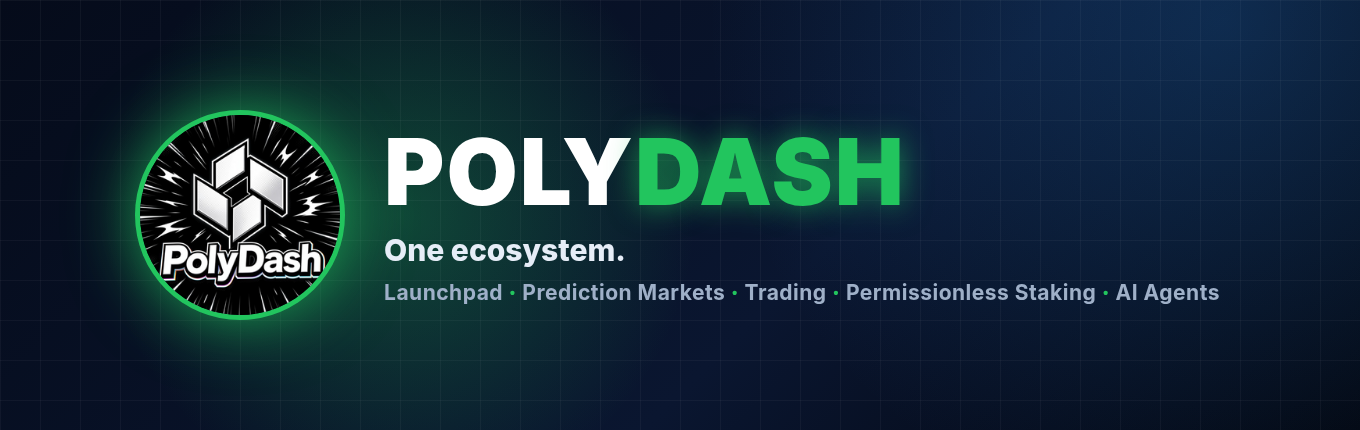
The wide Polydash banner for headers and social covers.
Leave at least the height of one cube panel empty around the mark on every side. Nothing else enters that space — no text, no other logos, no edges.
Use the white mark on dark backgrounds and the black mark on light backgrounds. Never put the white mark on a light background, or the black mark on a dark one.
Never stretch, squash, rotate or recolor the mark. Use the files as supplied — white, black, or the original on-dark version. No gradients, shadows or effects on the mark itself.
Don’t use the cube mark smaller than 24px on screen. Below that, it stops reading as a cube. The lockup needs at least 120px wide.
Place the mark on a flat background, or on a solid tile. Don’t place it over photos, gradients or patterns where the edges get lost.
The open cube is Polypad — the open, composable infrastructure for agents. Use it for Polypad and the AI infra stack; use the Polydash lockup for the company as a whole.